DOWNLOAD
YTMP3 Pro Software
Fast, lightweight and powerful YouTube to MP3 & MP4 software. Download the latest version and start converting audio and video in seconds.
 Download For Windows
🚫 No Ads, No Login
No account required and no ads inside the app — just open it and go.
🎵 320kbps Audio
Crystal clear MP3 output at the highest standard bitrate.
📽️ Up to 4K Video
Download MP4 video in quality tiers from 144p all the way to 4K.
🎬 Video Trimming
Cut MP4 videos to the exact range you want before downloading.
🔄 Auto Updates
Get notified in-app the moment a new version is released.
🧑💻 Open Source
Fully open source on GitHub — inspect the code yourself, anytime.
Why People Trust It
0/68
Clean on VirusTotal
–
Average User Rating
–
Total Downloads
MIT
Open Source License
See It In Action
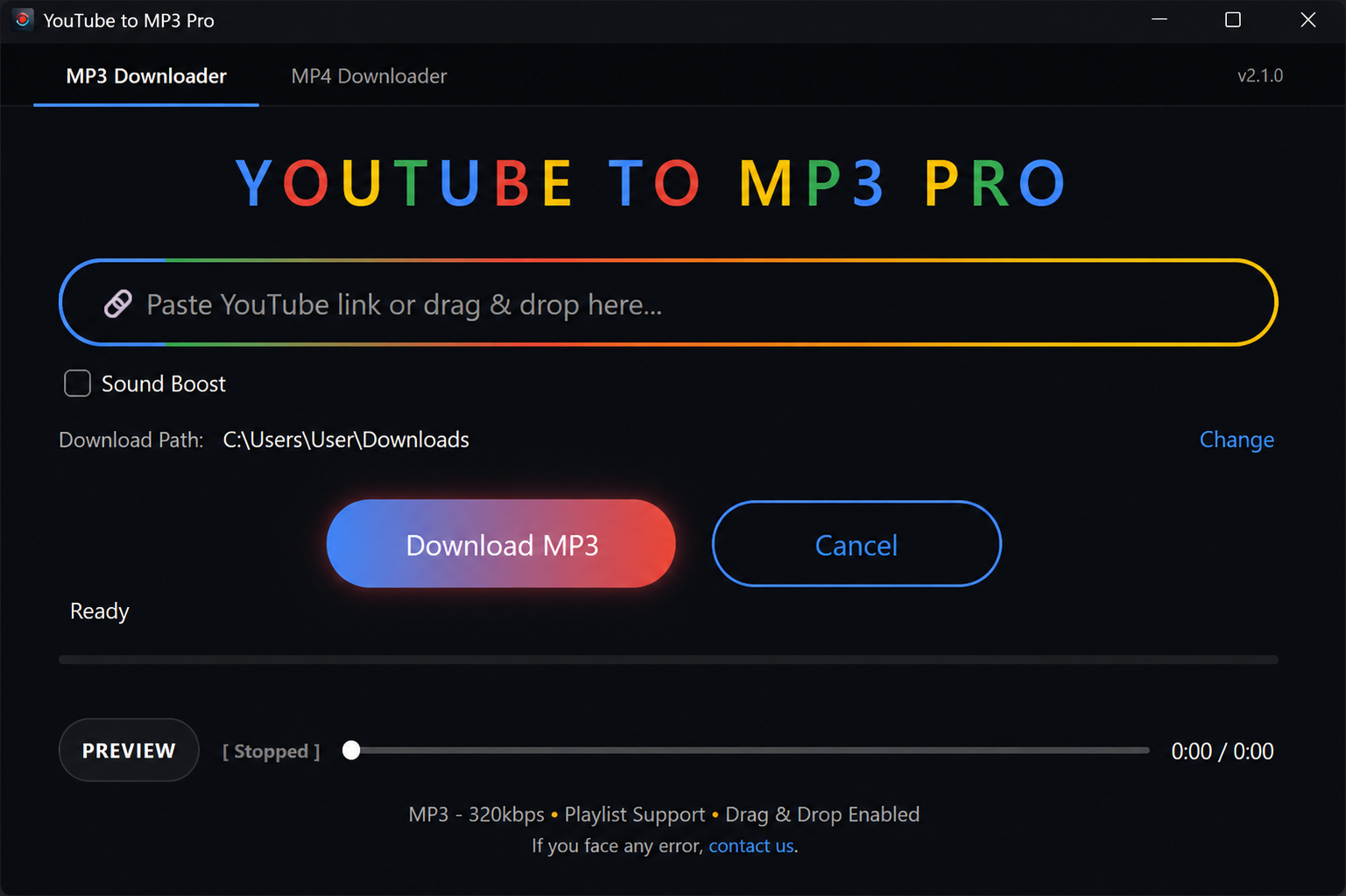
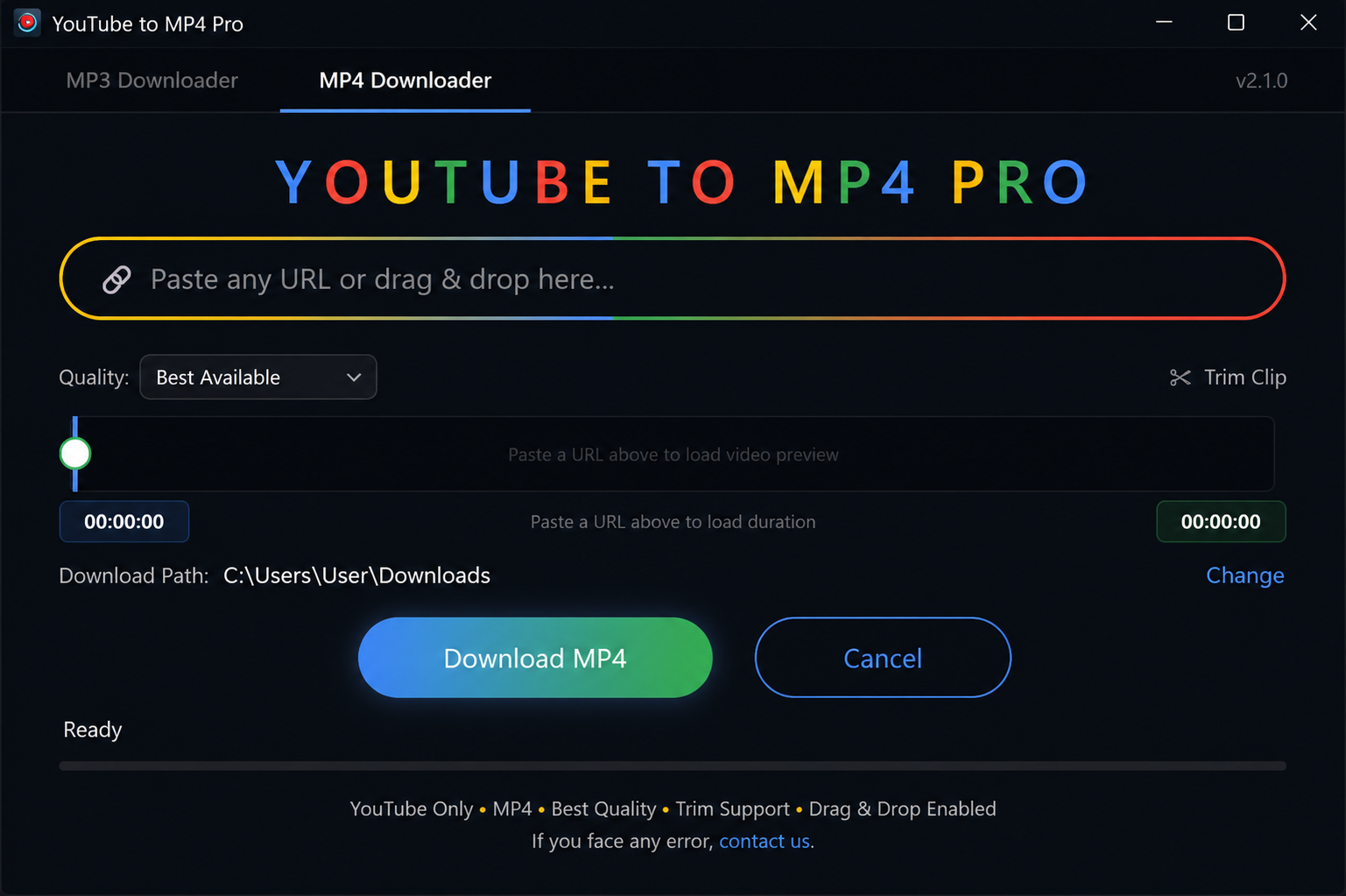
Getting Started
Download YTMP3-Pro
Click the Download button above to download the latest version of YTMP3-Pro.
Run the Installer
Locate the downloaded setup file in your Downloads folder and double-click it. Follow the on-screen steps to install — it only takes a few seconds. If you already have YTMP3-Pro installed, running the new installer will automatically update it in place.
Windows Security Notice
If Windows SmartScreen displays a "Windows protected your PC" message, click More info and then Run anyway. This may occur because the application is newly released and has not yet established enough reputation with Microsoft. The installer is safe and malware-free.
Start Using YTMP3-Pro
Launch YTMP3-Pro from your Desktop shortcut or the Start Menu and begin converting YouTube videos to high-quality MP3 audio or MP4 video files.